Game Booster – Optimizare windows pentru jocuri
Written by mv on 5/08/2009 03:32:00 a.m.In Windows Vista si Windows 7 dezactiveaza interfata Aero , ichide servicii care ocupa memoria ram. Cei cu calculatoare mai slabe vor simti aceasta diferenta.


In Windows Vista si Windows 7 dezactiveaza interfata Aero , ichide servicii care ocupa memoria ram. Cei cu calculatoare mai slabe vor simti aceasta diferenta.
m-am uitat de vreo 20 de ori la el. :) :smiley care se tavaleste pe jos: clip vazut la cti97.
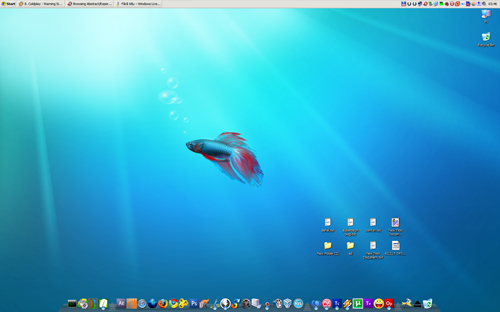
de mai bine de un an mi-am mutat taskbarul sus si mi-am pus dock-ul jos (am folos objectdock , acum am trecut pe rocketdock). mi-am pus taskbarul sus pentru ca tot sus sunt si tab-urile in browsere , tot sus e si bara de adrese si butoanele de navigare . de vreo 5 luni am trecut pe tema clasica (98).
Will be any transformation pack for Windows 7 ? Windows X said YES. until 7TP is realeased you can still transorm your XP into windows seven using the tools below.
Windows 7 for XP v1.0 for WindowBlinds | SevenXP 3.0 Visual Styles
Windows 7 Skin for ViStart + ViStart
Windows 7 7000 Bootscreen | Windows 7 Default Login v4.0.1
Windows 7 Customization Pack by !Picassa243 (System Information, System Files Modification , Windows 7 Desktop Properties, - Windows Explorer Modification …)

Aero Shake este o utilitate care iti curata desktopul de toate ferestrele deschise, minimalizandule , la fel ca in windows 7. eu am xp si nu funcioneaza, si totusi am vazut mai multe comentarii care spun ca programul functioneaza si pe xp
Download v1.3 | Source code
WinStep Xtreme este primul dock care aduce in windows dockul din leopard.Din pacate e pe bani. asa ca o sa astept unul free.

za experiment iz over. gata am trecut pe xp (din nou…) A trecut 1 luna si 1 zi. Vista nu m-a dezamagit asa de tare (ma asteptam la mai rau). Probleme ? au fost..
daca acum as avea un pc cu cel putin 2gb ram si o placa video peste 256 as pune vista nu m-as mai complica cu xp.
What's new in this release (see below for details):
- The default version is now Windows XP.
- Many Richedit improvements.
- Beginning of jscript dll support.
- Shell folders now respect XDG directory configuration.
- Many translation updates.
- Lots of bug fixes.

Download Wine for Other OS : here
Download Wine Ubuntu/Debian
First, open a terminal window. Then add the repository's key to your system's list of trusted APT keys by copy and pasting the following:
wget -q http://wine.budgetdedicated.com/apt/387EE263.gpg -O- | sudo apt-key add -
Next, add the repository to your system's list of APT sources:
For Ubuntu Gutsy (7.10):
sudo wget http://wine.budgetdedicated.com/apt/sources.list.d/gutsy.list -O /etc/apt/sources.list.d/winehq.list
For Ubuntu Feisty (7.04):
sudo wget http://wine.budgetdedicated.com/apt/sources.list.d/feisty.list -O /etc/apt/sources.list.d/winehq.list
For Ubuntu Edgy (6.10): *64-bit packages not available*
sudo wget http://wine.budgetdedicated.com/apt/sources.list.d/edgy.list -O /etc/apt/sources.list.d/winehq.list
For Ubuntu Dapper (6.06): *64-bit packages not available*
sudo wget http://wine.budgetdedicated.com/apt/sources.list.d/dapper.list -O /etc/apt/sources.list.d/winehq.list
For Debian Etch (4.0):
sudo wget http://wine.budgetdedicated.com/apt/sources.list.d/etch.list -O /etc/apt/sources.list.d/winehq.list
Then, you can install Wine from WineHQ like it were any other package, such as by using the Synaptic Package Manager under System->Administration. Alternatively, you can install from the terminal by running 'sudo apt-get update' to update APT's package information and then 'sudo apt-get install wine'.
You'll probably be seeing Apple's newest "Vista Sucks, OS X Rules Your Face" ad, starring hilarious John Hodgman and perpetually besmirked Justin Long all over the web soon. Basically, the banner keeps pulling up bad Vista quotes as Hodgman hammers the emergency banner refresh, but neither of them are from actual reviews of Vista—even though that's what Hodgman calls them.
Source : Gizmondo

Microsoft is allowing Windows XP Service Pack 2 machines to be offered Windows XP Service Pack 3 Release Candidate 2 via Windows Update. Windows XP Service Pack 3 will be offered on Windows Update when Service Pack 3 releases in the first half of 2008.
Instructions
Download the script and run it on a machine currently running Windows XP Service Pack 2. The script sets a registry key on your system. The registry key is required for Windows Update to recognize your machine as a valid target for Windows XP Service Pack 3 RC2.Versions of Windows XP Service Pack 3 prior to Release Candidate 2 should be removed before attempting to use the registry key. Windows Update will not offer Release Candidate 2 to machines with previous versions of the Windows XP Service Pack 3 beta.
It is recommended that you apply the resulting update package to an activated, genuine copy of Windows XP, in a test environment. As with any pre-release software, it is also recommended that you back up files and settings on your machine before applying this update package.
System Requirements : Windows XP Service Pack 2.
Download Via Microsoft Update | Release notes
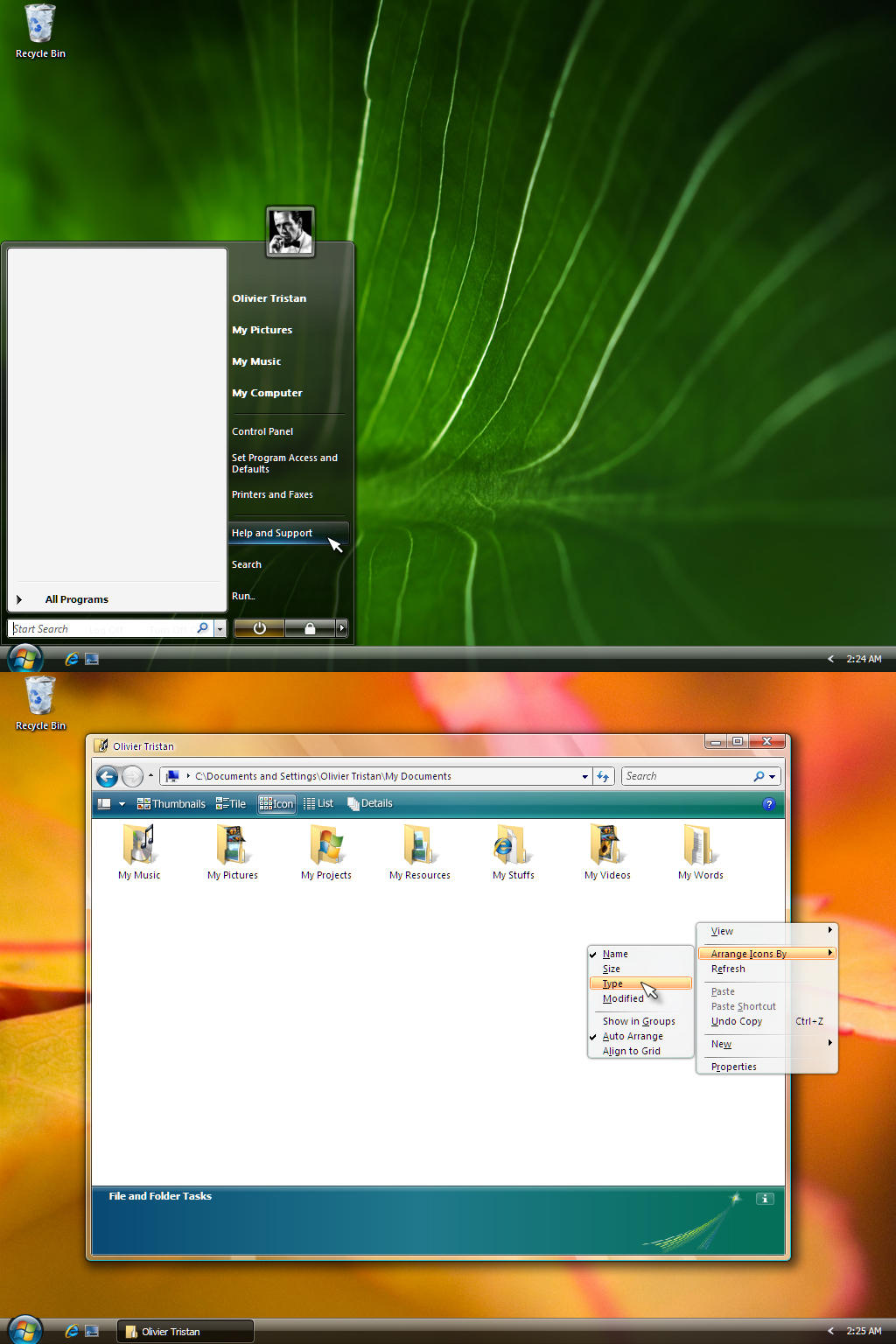
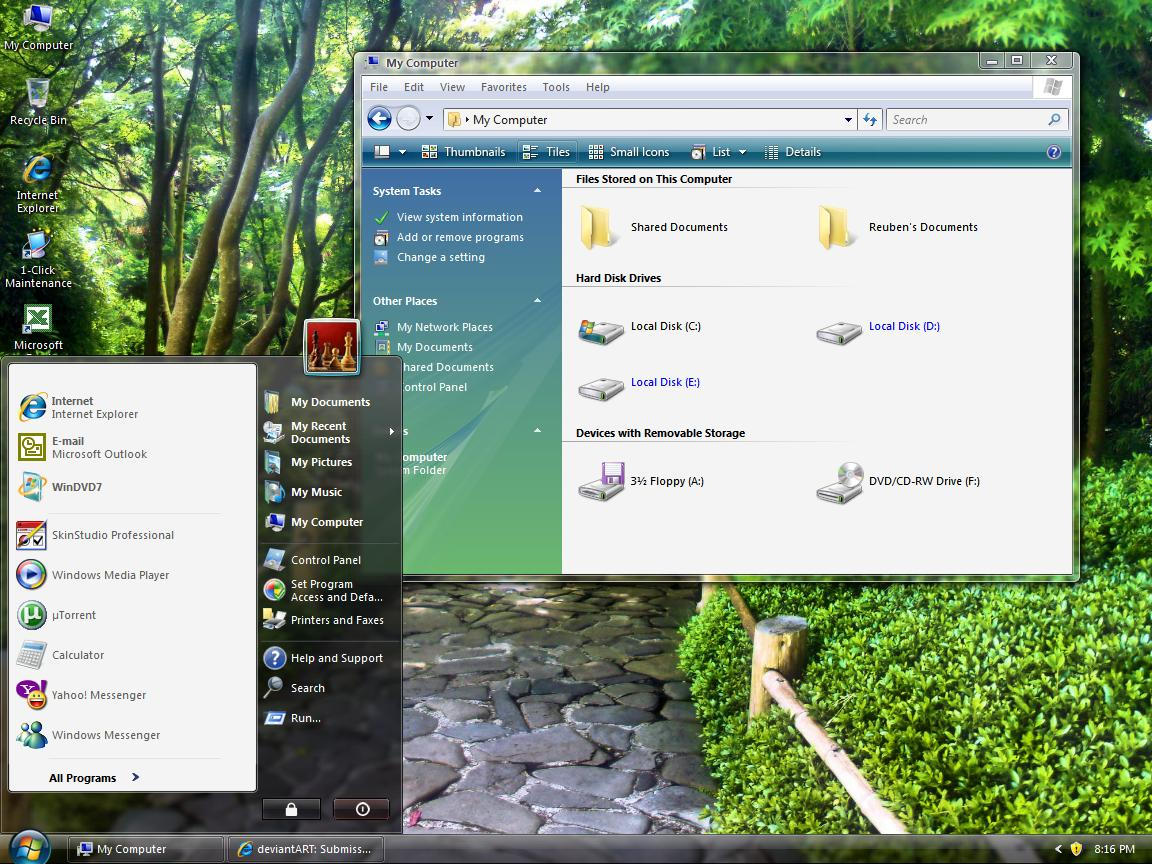
6 Perfect Skins For Windows Blinds 6 ,which will give you that "vista look".
AeroVista by InTime
Aero Starry-eyed by ~theallnightcafe
INVI PRO EN2 by ~007TINAR
Vista Red Aero by ~sagorpirbd
Download vista ultimate Aero Style by ~rockull
Download Aero Longhorn by ~TechErrant
Skins from Deviantart
I used vulnerability statistics from an impartial third party vendor Secunia and I broke them down by Windows XP flaws, Vista flaws, and Mac OS X flaws. Since Secunia doesn’t offer individual numbers for Mac OS X 10.5 and 10.4, I merged the XP and Vista vulnerabilities so that we can compare Vista + XP flaws to Mac OS X. In case you’re wondering how 19 plus 12 could equal 23, this is because there are many overlapping flaws that is shared between XP and Vista so those don’t get counted twice just as I don’t count something that affects Mac OS X 10.4 and 10.5 twice.
So this shows that Apple had more than 5 times the number of flaws per month than Windows XP and Vista in 2007, and most of these flaws are serious. Clearly this goes against conventional wisdom because the numbers show just the opposite and it isn’t even close.Also noteworthy is that while Windows Vista shows fewer flaws than Windows XP and has more mitigating factors against exploitation, the addition of Windows Defender and Sidebar added 4 highly critical flaws to Vista that weren’t present in Windows XP. Sidebar accounted for three of those additional vulnerabilities and it’s something I am glad I don’t use. The lone Defender critical vulnerability that was supposed to defend Windows Vista was ironically the first critical vulnerability for Windows Vista.
Acum Windows Xp Rc1 este disponibil pentru oricine doreste sa-l testeze.
Acelasi lucru se intampla si cu Vista Sp 1
Source: ZDNet
Features:Pdf Download
Download @ BETA News
Download @ Microsoft


 | Posted in »